Chrome Extension v2.0 � 500+ Active Users
BeyondTen Extension �
Show 100 Google
Search Results Instantly
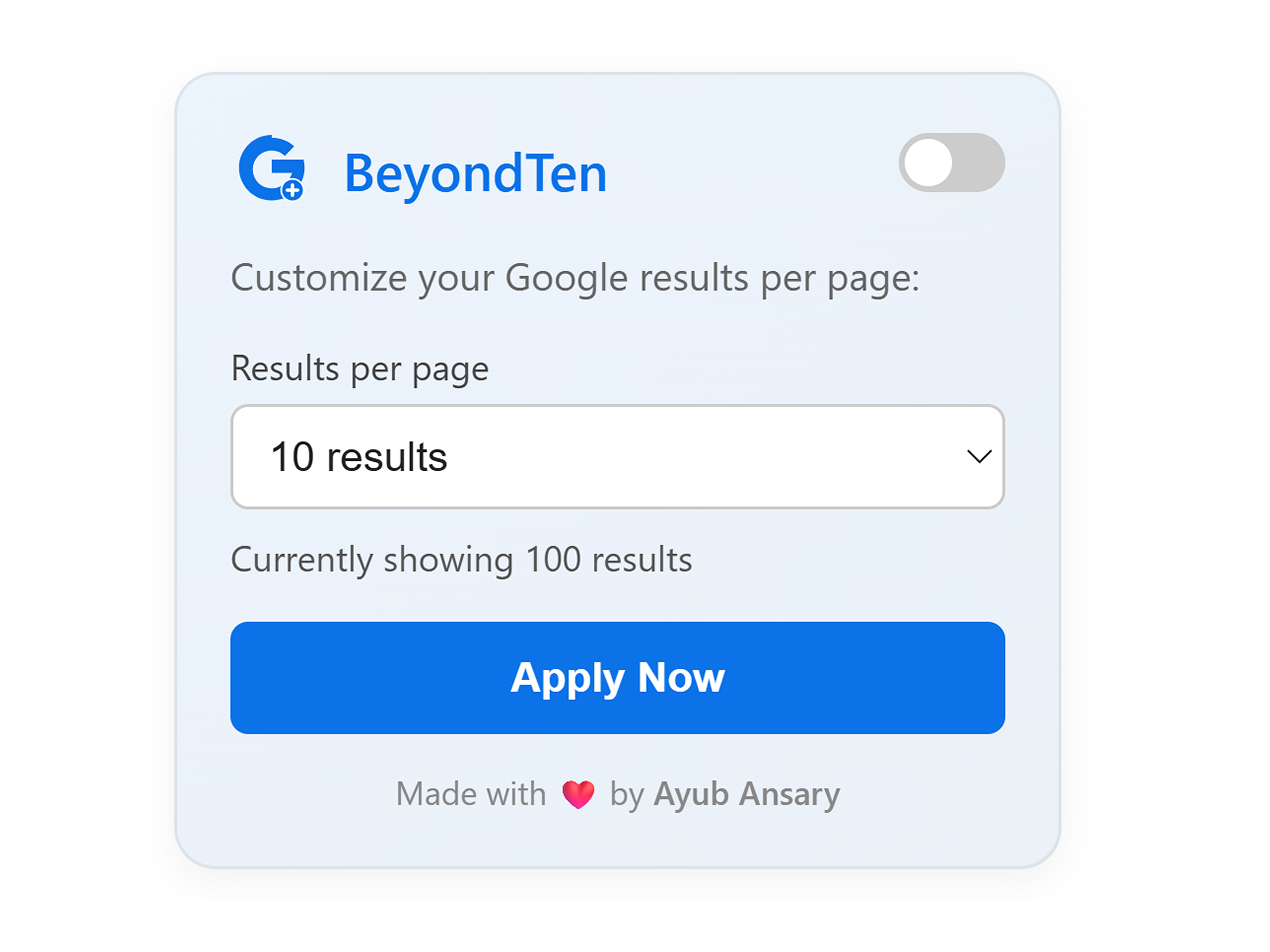
BeyondTen is a browser tool that improves Google Search by letting users choose how many results appear per page. Instead of Google�s default 10, you can instantly switch between 10, 20, 50, or 100 results per page � all from a simple popup inside Chrome.
Switch results per page on the fly without digging into settings.
Toggle it on or off nicely whenever you need a clean view.
Persists across searches so you stay in the flow.
We don't track your searches. It operates locally.
Stop clicking "Next". Start analyzing.
Get it directly from the Chrome Web Store.
Open the BeyondTen popup in your browser toolbar.
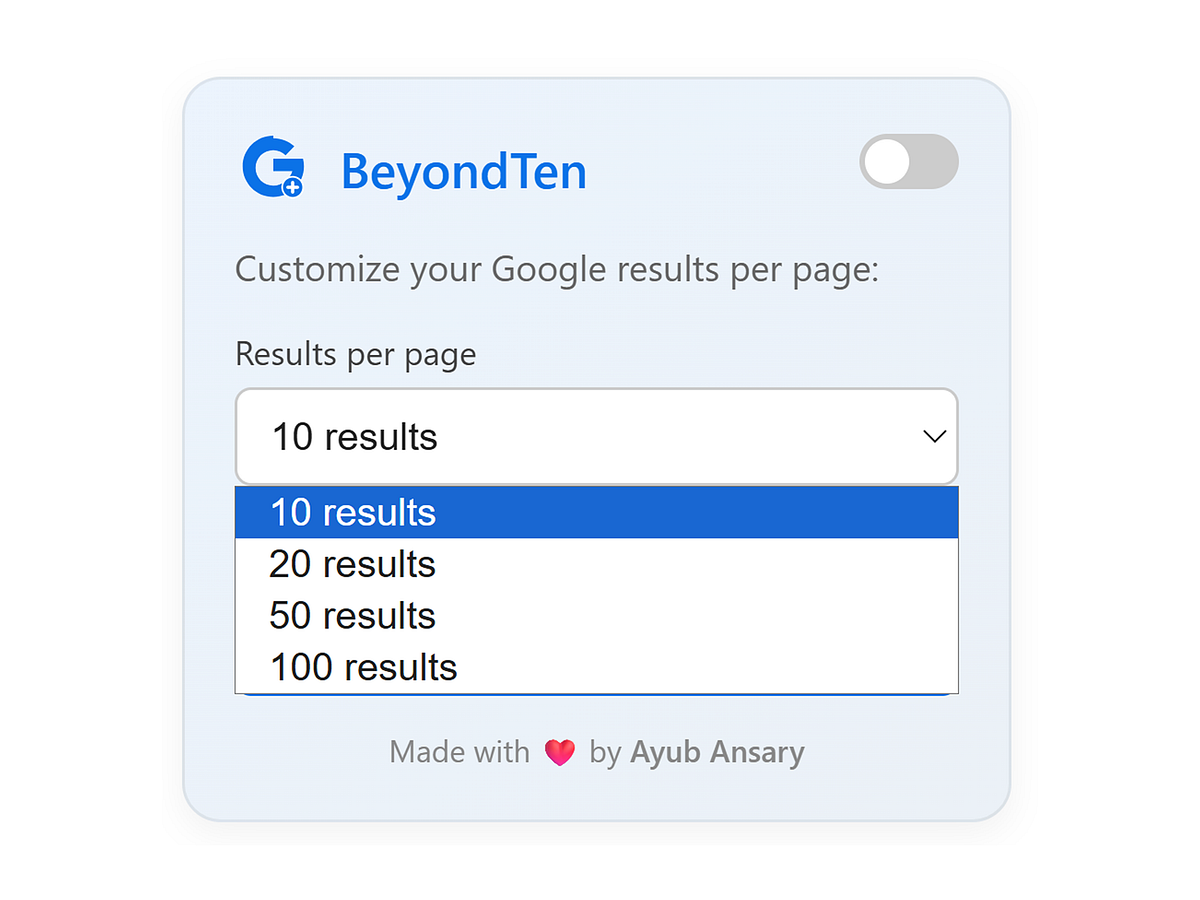
Choose 10, 20, 50, or 100 results per page.
The extension applies the change instantly. No sign-up. No ads.
"As of November 2025 this is working, I have tried every other extension. Simplicity at its best."
"Truly an essential tool. The developer continues maintaining it when similar extensions failed. Essential for my research."
"This extension helped me to check ranking for keywords quickly. Occasional updates are fast and effective."
Many extensions bloat your browser, tracking your data and slowing down every page load. BeyondTen does neither.
Instant install, zero memory footprint.
We don�t track URLs, keywords, or clicks. It happens locally.
We simply append &num=100 to the
request. Clean code only.
BeyondTen was created to remove the hidden setting barrier inside Google. Now you can change your search results count without opening settings or reloading pages.
Review multiple SERPs, analyze competitors, and spot "dead bodies" on page 2 instantly.
Collect data efficiently. No more clicking "Next" twenty times to find that one source.
Compare competitors and ad placements across a wider viewport.
Browse with speed and efficiency. The way search should be.
BeyondTen�s interface follows Chrome�s native UI patterns. It�s minimal, responsive, and built for clarity. The popup includes a dropdown menu to pick results per page, a toggle switch to enable or disable, and a clear apply button for instant confirmation.
The layout uses modern dashboard design principles, providing users with familiarity, speed, and usability. We optimized for search intent alignment favoring design-driven signals.
| Feature | Description |
|---|---|
| Custom Results | Choose 10�100 search results instantly |
| One-Click Setup | Activate or deactivate anytime |
| Lightweight | No background scripts slowing Chrome |
| No Data Collection | 100% privacy-focused |
| Works Everywhere | Compatible with Chrome, Edge, and Brave |
Most users don't realize the power of combining BeyondTen with your browser's native search.
Result: Find your exact ranking in 3 seconds instead of clicking "Next" 10 times.

Developed by Ayub Ansary, a UX-focused SEO strategist and designer. BeyondTen blends simplicity, clarity, and real-world utility to create a faster Google experience for professionals and everyday users.
Improved parameter injection for faster reload times. Fixed a minor bug with Google's dark mode compatibility.
Major UI Request: Added popup interface with 10, 20, 50, 100 options. Removed auto-redirect to allow user control.
Initial release. Single toggle functionality.
A: BeyondTen is a Chrome extension that lets you show 100 Google search results per page instantly.
A: Yes, it�s completely free with no registration required.
A: Yes, it supports all Chromium-based browsers like Chrome, Edge, and Brave.
A: BeyondTen doesn�t collect or share any personal data. It simply adjusts how many results you see on Google.
A: Because it lets you go beyond the default 10 Google results per page � all the way to 100.
Experience faster, cleaner, and more flexible search.
Choose how many Google results you want � instantly.